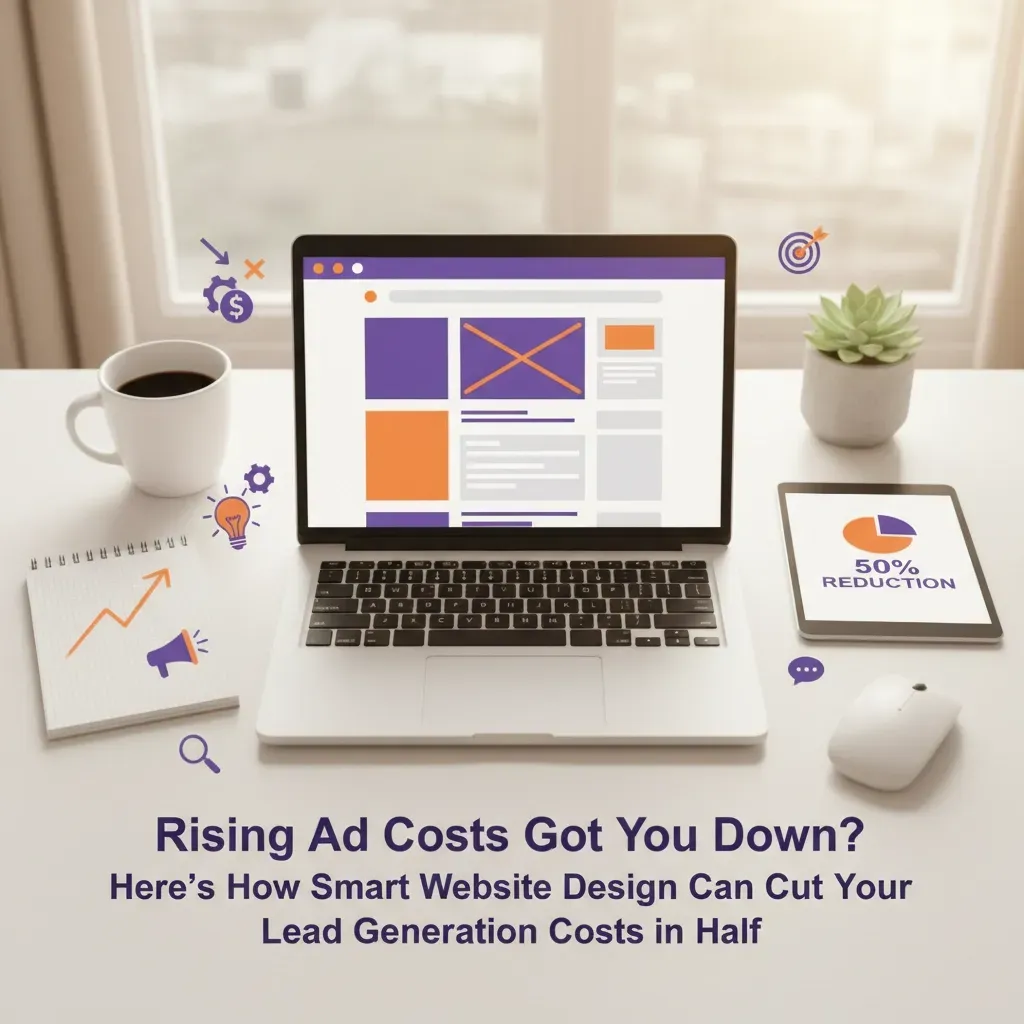
Rising Ad Costs Got You Down? Here's How Smart Website Design Can Cut Your Lead Generation Costs in Half
Rising Ad Costs Got You Down? Here's How Smart Website Design Can Cut Your Lead Generation Costs in Half
Your ad costs are climbing. Your competition is bidding higher. And your leads are getting more expensive every month.
Sound familiar? You're not alone.
Most business owners think the only solution is to throw more money at ads. They're wrong.
The smartest companies are doing something different. They're investing in website design that converts visitors into leads at double the rate. And they're cutting their lead costs in half while their competitors burn through bigger budgets.
Here's exactly how they're doing it.
The Hidden Truth About Lead Generation Costs
Your website is bleeding money right now.
Every day, potential customers visit your site and leave without contacting you. You paid good money to get them there through ads, SEO, or referrals. But your website fails to convert them.
This is the real reason your lead costs keep rising. You're not getting the most from the traffic you already have.
The numbers don't lie:
- Average landing pages convert just 2.35% of visitors
- Top-performing pages convert 5.31% of visitors
- That's more than double the results from the same traffic
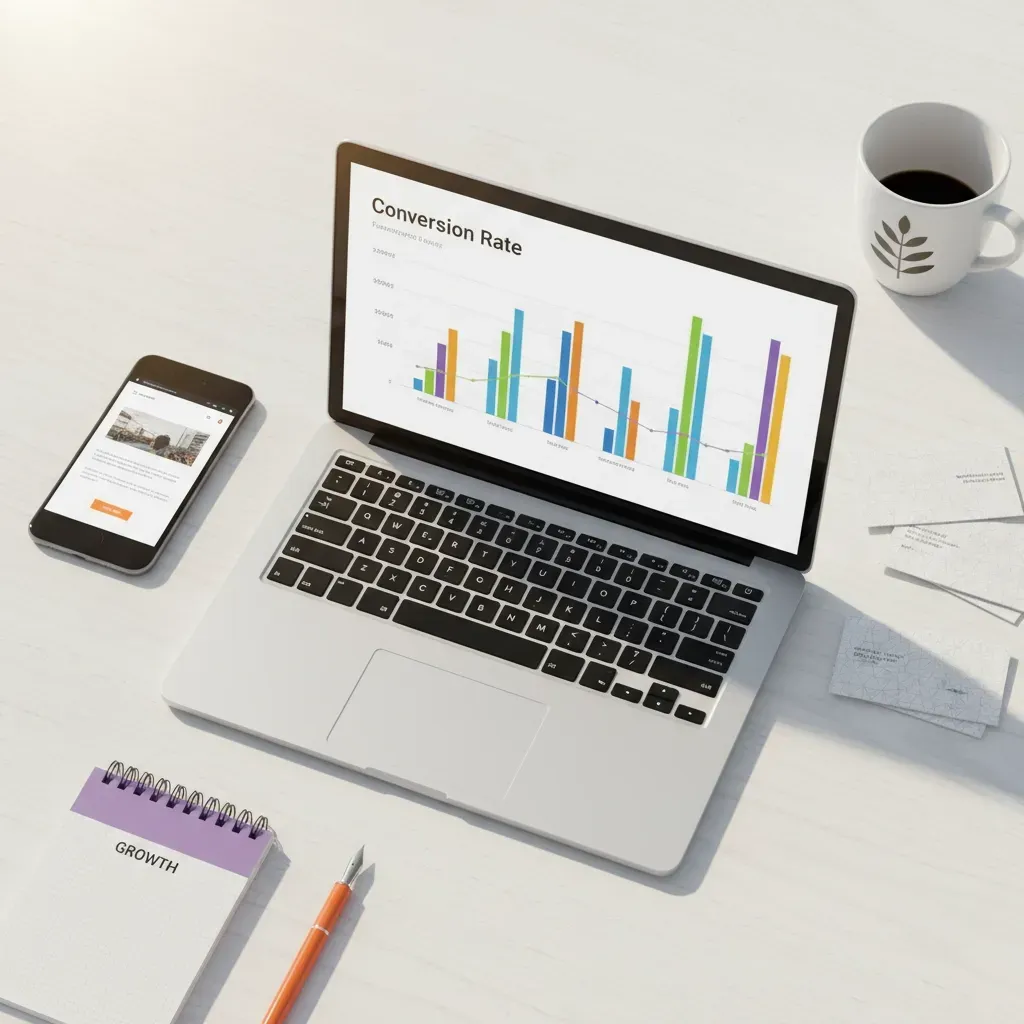
One solar company proved this works. They redesigned their website and increased conversions by 163%. Their cost per lead dropped by 73.6%.
Same ad spend. Same traffic. Half the cost per lead.
Why Most Websites Fail at Lead Generation
Problem #1: Your Site Doesn't Work on Mobile
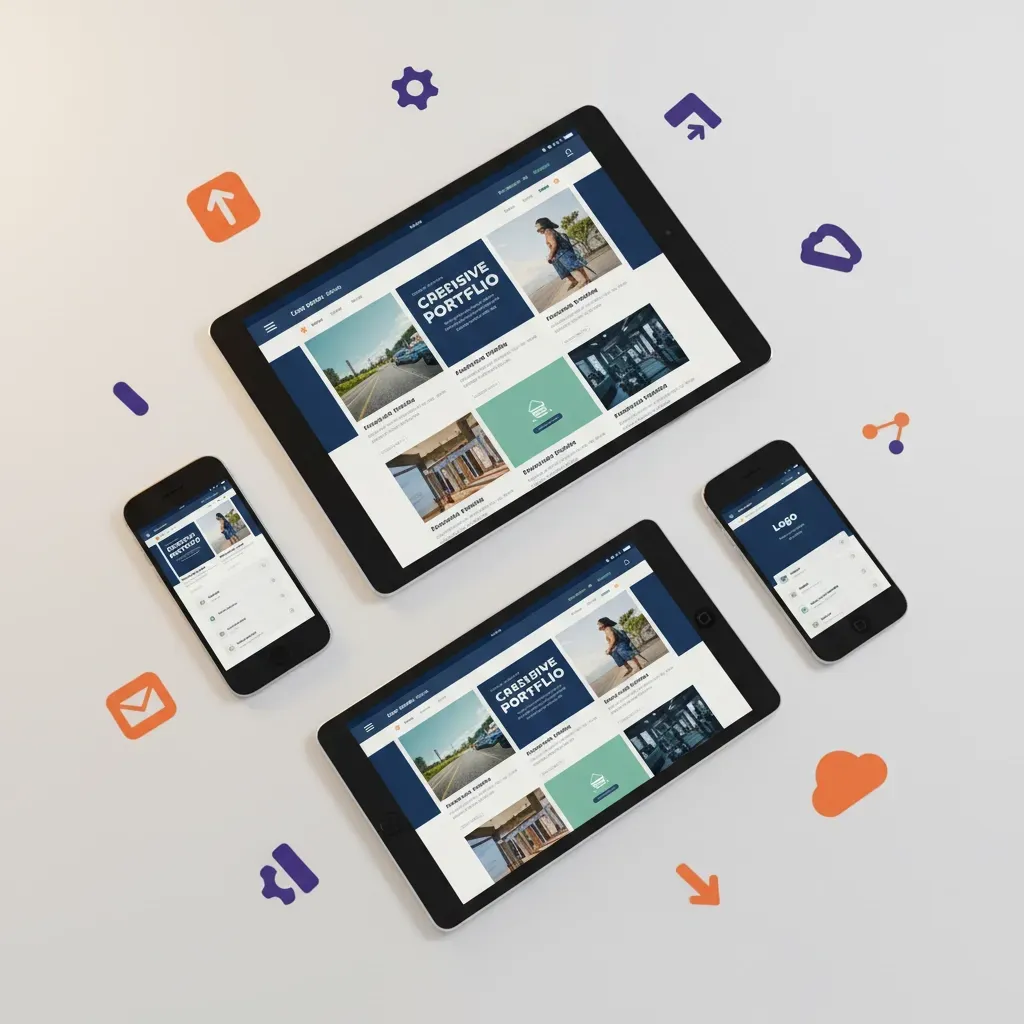
73.1% of web designers say non-responsive websites are the main reason visitors leave. Think about that. Nearly three-quarters of your mobile visitors are bouncing because your site doesn't work properly on their phone.
Responsive websites convert 11% higher than non-responsive ones. That's free money you're leaving on the table.
Problem #2: Your Forms Are Too Complicated
Most businesses ask for too much information upfront. Big mistake.
Reducing form fields from five to three can boost conversions by 120%. Yes, you read that right. Asking for less information doubles your leads.
Problem #3: Your Pages Load Too Slowly
Every second your page takes to load costs you money. Visitors expect fast sites. When they don't get them, they leave.
The Smart Website Design Strategy That Cuts Costs
Here's the step-by-step approach successful businesses use:
1. Optimize for Mobile First
Start with mobile. Design your entire site around the mobile experience. Desktop is secondary.
Action steps:
- Test your site on multiple devices
- Ensure buttons are thumb-friendly
- Keep text large enough to read easily
- Simplify navigation for small screens
2. Streamline Your Lead Capture Process
Make it stupid simple for people to contact you.
What works:
- Single-step contact forms
- Click-to-call buttons prominently displayed
- Live chat that actually gets responses
- Clear value propositions above the fold
3. Create Dedicated Landing Pages
Don't send all your traffic to your homepage. Create specific landing pages for different campaigns and traffic sources.
Each landing page needs:
- One clear offer
- Compelling headline
- Social proof
- Single call-to-action
- No navigation distractions
4. Test Everything Continuously
The companies cutting their lead costs in half don't guess. They test.
Test these elements first:
- Headlines
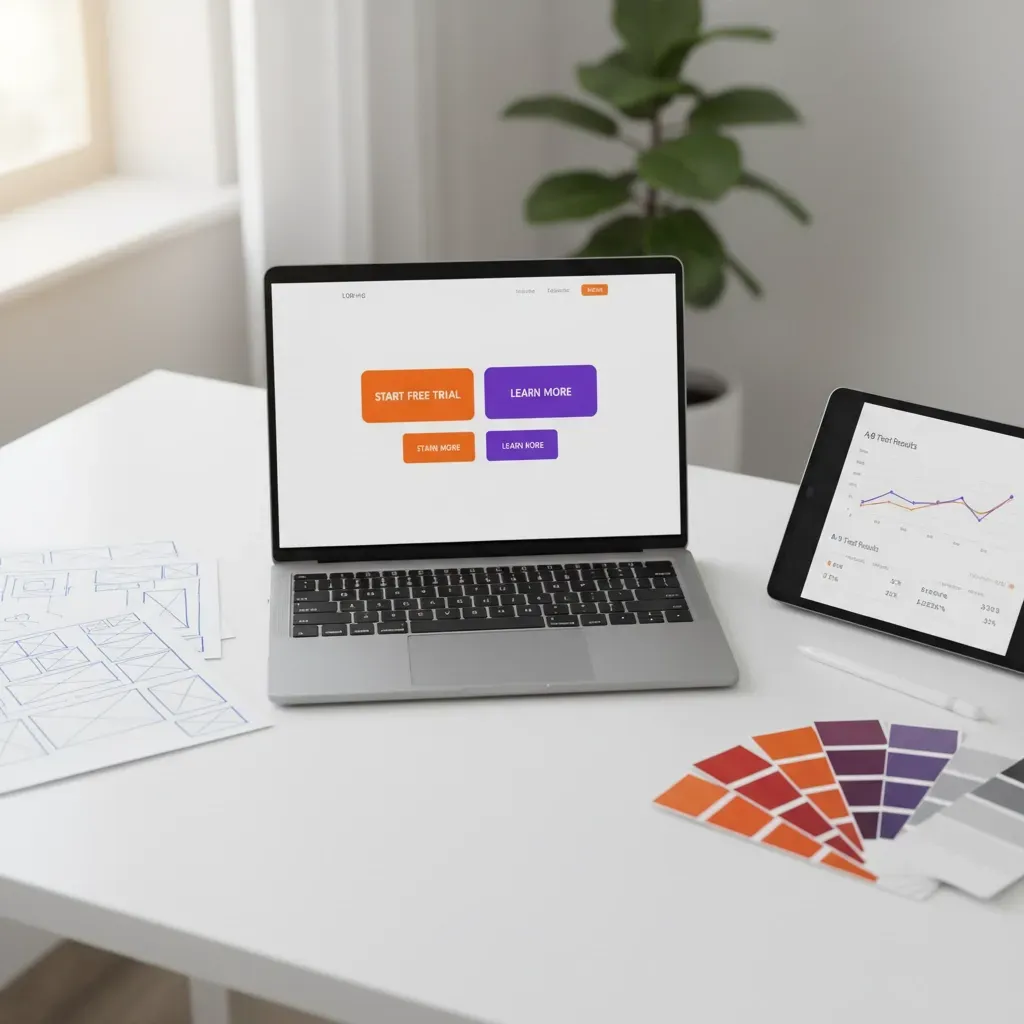
- Button colors and text
- Form placement
- Images
- Offer descriptions
Small changes create big results. One headline change can improve conversions by 30% or more.
Real Results from Real Businesses
Case Study #1: Local Service Business
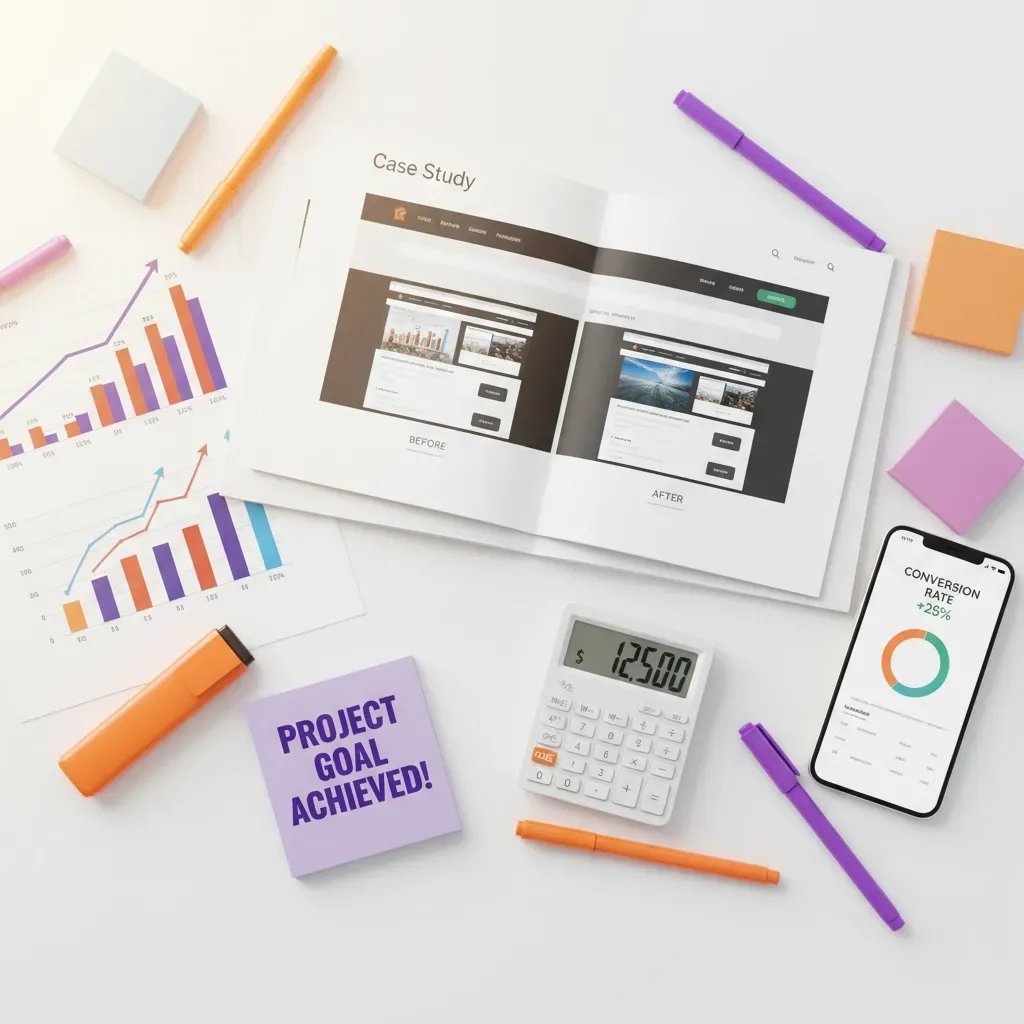
A plumbing company reduced their Google Ads cost per lead from €85 to €42 in six weeks. They simplified their contact form and added click-to-call buttons throughout their site.
Case Study #2: Professional Services
An accounting firm cut their LinkedIn advertising costs by 40%. They created separate landing pages for different services instead of sending everyone to their homepage.
Case Study #3: E-commerce Business
An online retailer improved their email signup rate by 185% by reducing their signup form from six fields to two.
The Technology That Makes It Work
You don't need expensive tools or complicated systems. Smart website design uses simple technology effectively.
Essential tools:
- Heat mapping software to see where visitors click
- A/B testing platforms for comparing versions
- Fast, reliable hosting
- Mobile-responsive themes
- Simple analytics to track what matters
The key isn't having the most advanced technology. It's using basic tools consistently to improve your results.
Beyond Just Design: Content That Converts
Your website design means nothing if your content doesn't convince visitors to act.
High-converting content includes:
- Customer testimonials with specific results
- Case studies showing real outcomes
- Clear benefit statements (not just features)
- Risk reversal offers
- Urgency and scarcity elements
Write like you're talking to a friend. Skip the corporate jargon. Address their problems directly.
The SEO Bonus: Lower Long-Term Costs
Smart website design doesn't just improve paid advertising results. It makes your SEO work better too.
SEO benefits from good design:
- Lower bounce rates improve search rankings
- Faster loading times boost search visibility
- Mobile-friendly sites get priority in search results
- Better user experience signals to Google
Companies that excel at both design and SEO generate 50% more leads at 33% lower cost than those focusing on just one area.
Your Next Steps: Cut Your Lead Costs Starting Today
Don't wait for the perfect solution. Start improving your website now.
Week 1: Quick Wins
- Add click-to-call buttons to every page
- Reduce your main contact form to three fields maximum
- Test your site speed and fix any issues over 3 seconds
Week 2: Mobile Optimization
- Review your site on multiple mobile devices
- Fix any display issues
- Ensure all buttons work properly on touchscreens
Week 3: Landing Page Creation
- Build one dedicated landing page for your main service
- Write a compelling headline focused on customer benefits
- Add one clear call-to-action
Week 4: Start Testing
- Set up basic analytics tracking
- Test two different headlines
- Measure which version converts better
Stop Wasting Money on Expensive Leads
While your competitors keep bidding higher for the same traffic, you'll be converting more of the visitors you already get.
Smart website design isn't about winning awards or impressing other designers. It's about turning more visitors into customers at lower cost.
The businesses cutting their lead generation costs in half understand this. They invest in websites that work, not just websites that look good.
Your website should be your best salesperson. It should work 24/7 to convert visitors into leads and leads into customers.
Ready to cut your lead generation costs in half?
Don't keep throwing good money after bad on expensive ads that send traffic to websites that don't convert.
Get a free website audit and discover exactly what's costing you leads right now. We'll show you the specific changes that will cut your costs and double your conversions.
Or call us directly at the number above. Let's talk about transforming your website from a cost center into your most profitable marketing tool.
Start growing your business with a website that actually works for you, not against you.
The choice is yours: keep paying more for leads, or start converting more of the traffic you already have.
Which sounds better to you?